

Samurai Strategy Game with Dynamic Deck Building
MIYAMOTO S is a premium strategy game that blends board game mechanics with tactical duels in a world of miniature samurai warriors. Designed for players who enjoy deep, thoughtful gameplay, the game challenges users to master dynamic deck-building systems where every decision impacts both their own strategy and their opponent’s. This semi-casual experience rewards careful planning and adaptability, making it ideal for fans of strategic combat and creative resource management.
The game features innovative mechanics where players construct temporary decks during battles, choosing which cards to retain and which to pass to opponents. This unique system introduces a layer of psychological depth, turning each match into a test of foresight and tactical precision. The inclusion of the "Shiba Inu" expansion adds new units, expanding the variety of available strategies and enhancing replayability.
While the game is free to play, it does not include a formal tutorial, which may hinder new players attempting to understand the rules. Despite this, the game offers a compelling experience for those willing to invest time in learning its systems. Real-world use cases include solo play for mental engagement, competitive multiplayer sessions, and casual strategy sessions with friends.
Key Features & Capabilities
- Dynamic Deck Building System: Players create temporary decks from a shared pool of cards during each battle. This mechanic encourages strategic foresight, as choices directly influence both personal and opponent’s setups.
- Two-Sided Card Management: The game introduces a unique twist where players decide which cards to keep and which to give away, shaping not only their own deck but also their opponent’s hand.
- Expansions for Enhanced Gameplay: The "Shiba Inu" expansion introduces new units and tactical options, increasing diversity in deck construction and combat strategies.
- Semi-Casual Strategy Design: The game balances complexity with accessibility, offering a relaxed pace suitable for short sessions while maintaining depth for experienced players.
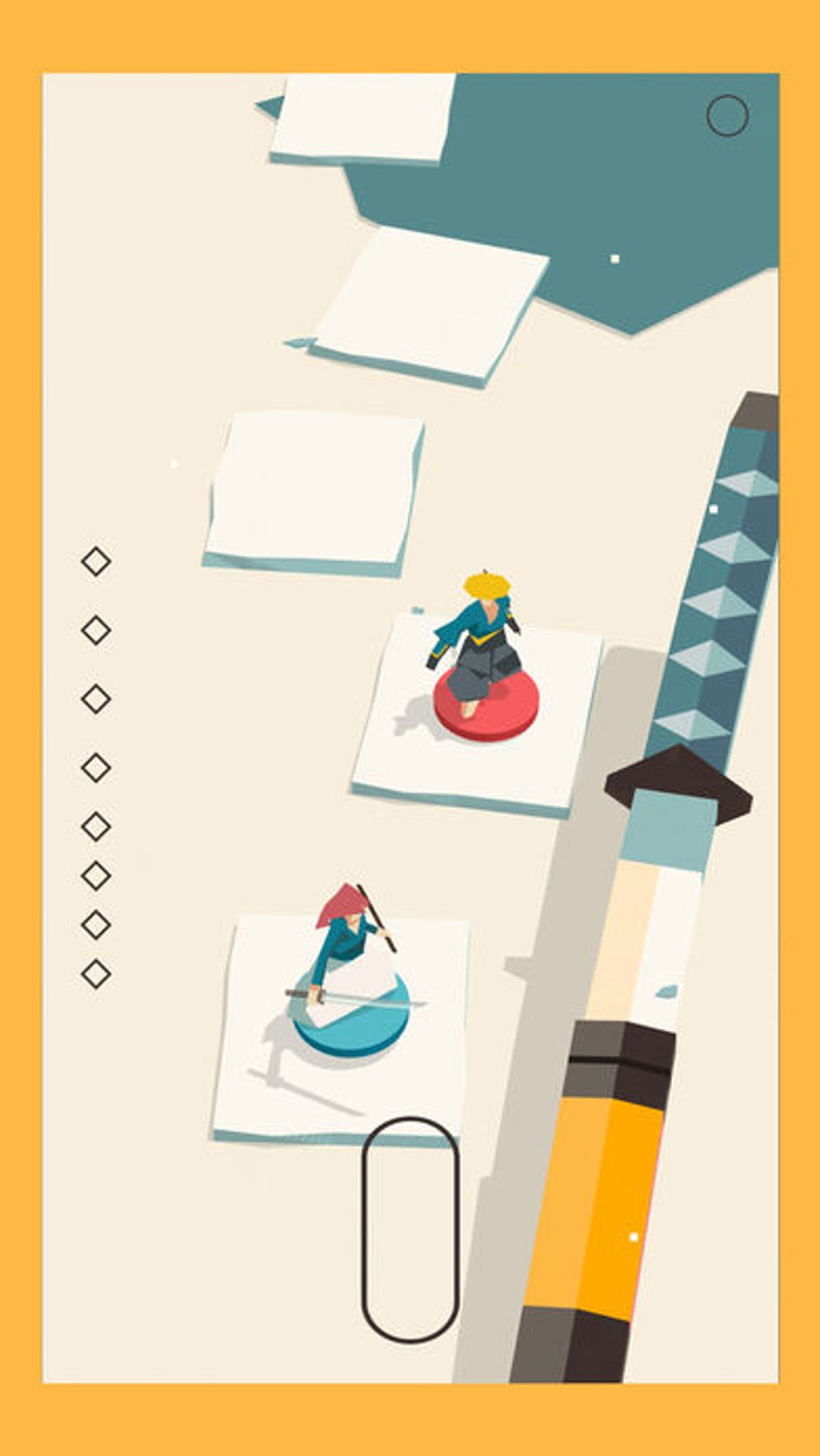
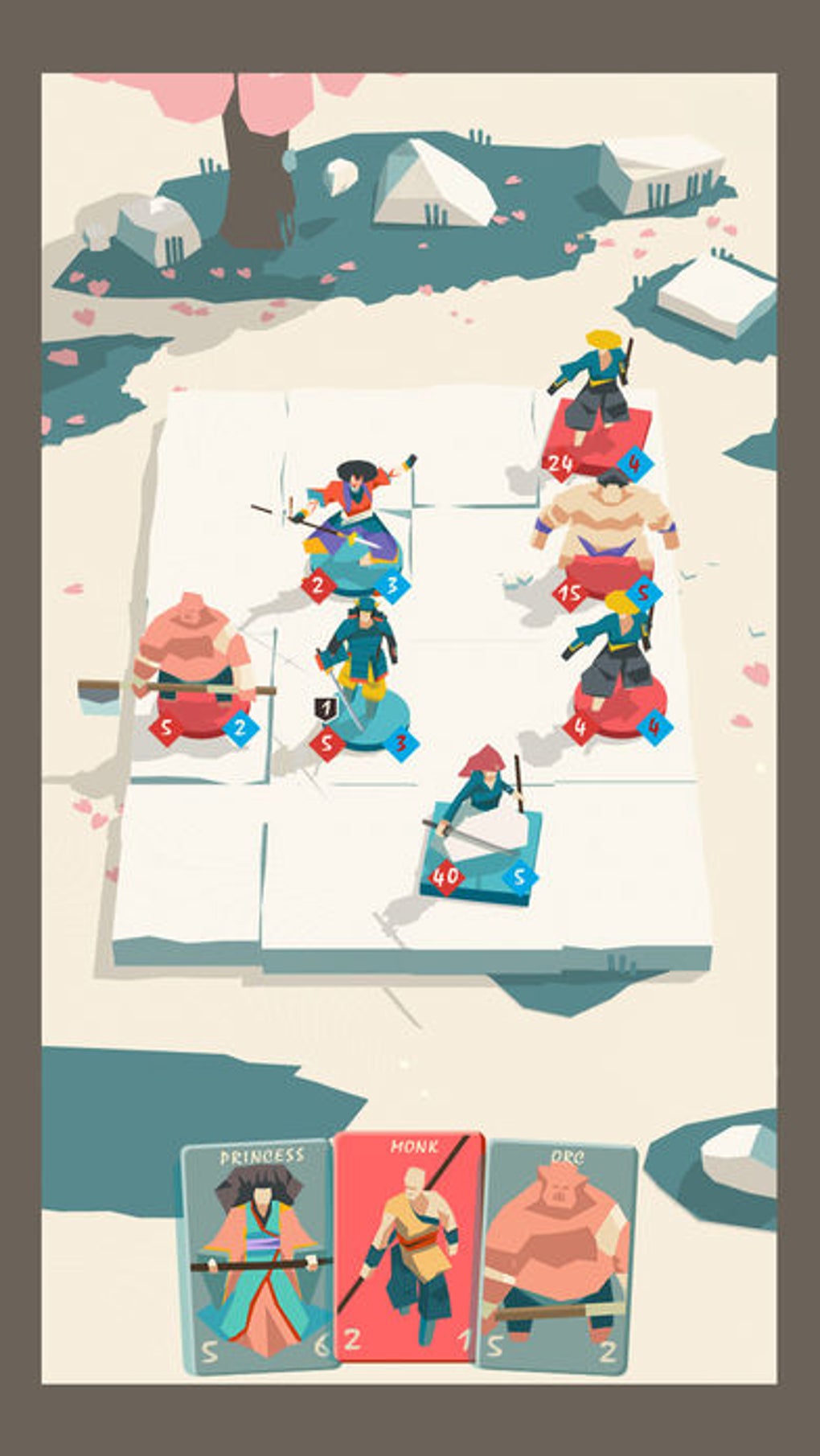
- Immersive Samurai-Themed World: A visually cohesive setting with miniature warrior aesthetics and thematic card art enhances the narrative and gameplay atmosphere.
These features allow players to experiment with different strategies across matches, making each encounter unique. For example, a player might choose to pass weaker cards to an opponent to disrupt their rhythm, or hold back powerful units to surprise in later rounds. The game’s mechanics are particularly effective in multiplayer settings, where psychological play becomes a key factor.
The dynamic nature of deck construction ensures that no two battles are identical, promoting long-term engagement. The expansion content further supports variety, encouraging players to explore new combinations and tactics. While the lack of a tutorial may limit immediate accessibility, the features themselves are well-integrated and designed to support a rich, evolving gameplay loop.
User Interface, Workflow & Performance
The user interface of MIYAMOTO S is structured around a central battlefield layout, with card zones clearly separated for selection, play, and discard. Navigation is intuitive, allowing players to access menus, manage their deck, and view match history with minimal clicks. The workflow follows a turn-based rhythm, with visual cues guiding players through each phase of the battle.
Card interactions are responsive, with smooth animations during selection and placement. The game’s performance is stable under standard conditions, though exact resource usage details were not specified. The developer did not provide additional system requirements beyond OS compatibility.
Performance observations are based on general software behavior patterns. Stability appears consistent during typical gameplay sessions, with no reported crashes or freezes. The game runs smoothly on both Windows and Mac platforms, and installation size is 250 MB, indicating a lightweight footprint.
The absence of in-game advertisements or intrusive overlays contributes to a clean user experience. Overall, the interface supports efficient gameplay, and the workflow is designed to minimize distractions while maximizing strategic focus.
Compatibility & System Requirements
MIYAMOTO S is compatible with both Windows and Mac operating systems. The software version is 1.0.2, and the installation size is 250 MB. The developer did not specify exact system requirements, including CPU, RAM, or graphics specifications.
Compatibility information was partially provided. Platform compatibility is confirmed for desktop users on both major operating systems. No mobile or web-based versions are currently available.
The game is designed for desktop use, with no indication of cloud sync or cross-platform save support. Users should ensure their system meets general requirements for running modern desktop applications. The developer did not list any specific hardware needs beyond OS support.
For optimal performance, users are advised to run the game on a system with standard processing power and available memory. The absence of detailed specs means users should rely on general system health indicators when assessing suitability.
Pros and Cons
Pros
- Unique dual-deck building mechanic that adds strategic depth
- Engaging, thematic design with immersive samurai aesthetic
- Free to download and play with no in-app purchases
- Regular updates and expansion content available
- Lightweight installation size of 250 MB
Cons
- Lack of a formal tutorial may hinder new players
- No detailed system requirements provided
- Minimal onboarding guidance for first-time users
- Limited visual feedback during card selection phase
- Expansion content may require additional downloads
FAQ Section
Is MIYAMOTO S available for Windows and Mac?
Yes, MIYAMOTO S is compatible with both Windows and Mac operating systems.
Is the game free to download and play?
Yes, MIYAMOTO S is free to download and play with no in-app purchases or paywalls.
Does the game require an internet connection?
While the game can be played offline, online features such as multiplayer matches and updates require an internet connection.
What is the "Shiba Inu" expansion?
The "Shiba Inu" expansion adds new units and tactical options to the game, increasing the variety of available strategies and enhancing replayability.
How often are updates released?
Updates are released regularly by the developer to improve gameplay, fix bugs, and introduce new content.
Final Thoughts + CTA
MIYAMOTO S stands out as a fresh and innovative entry in the strategy genre, combining board game elements with dynamic deck-building mechanics. Its unique dual-deck system encourages deep strategic thinking and offers a rewarding experience for players who enjoy tactical challenges. While the lack of a tutorial may pose an initial barrier, the game’s engaging mechanics and thematic depth make it a compelling choice for dedicated strategy enthusiasts.
The free-to-play model, lightweight size, and regular updates further enhance its appeal. For fans of thoughtful gameplay and creative strategy, MIYAMOTO S delivers a satisfying and immersive experience. Download MIYAMOTO S now and test your tactical prowess in a world of miniature samurai warriors.







